In a multi-store system, each store's theme is set per sub-store.
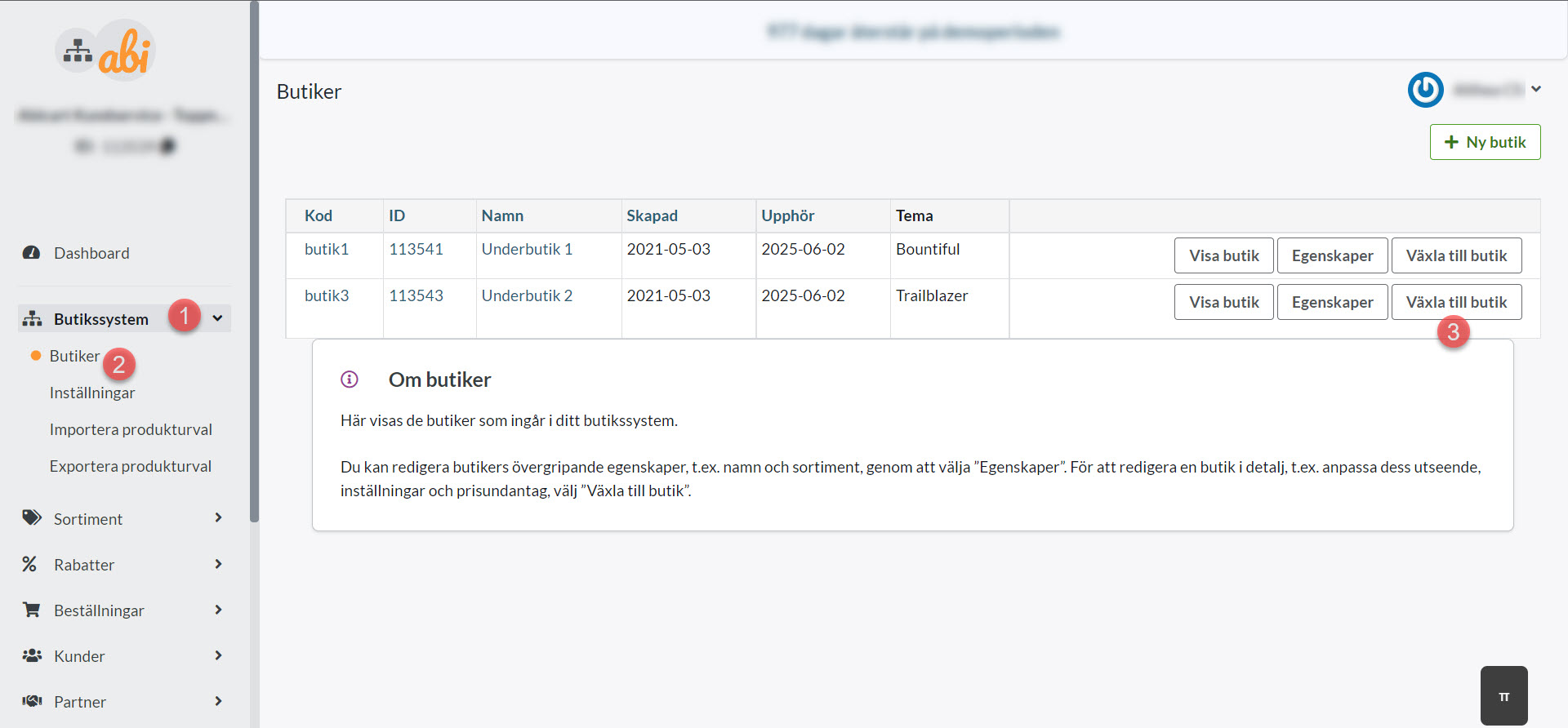
To add/edit a theme in a sub-store, navigate to the sub-store as follows:
Shop system >> Shops >> Switch to shop
Once in the sub-store, go to Appearance >> Themes:


Learn how to easily manage and customize themes for each individual sub-store within your multi-store e-commerce system efficiently.
In a multi-store system, each store's theme is set per sub-store.
To add/edit a theme in a sub-store, navigate to the sub-store as follows:
Shop system >> Shops >> Switch to shop
Once in the sub-store, go to Appearance >> Themes: