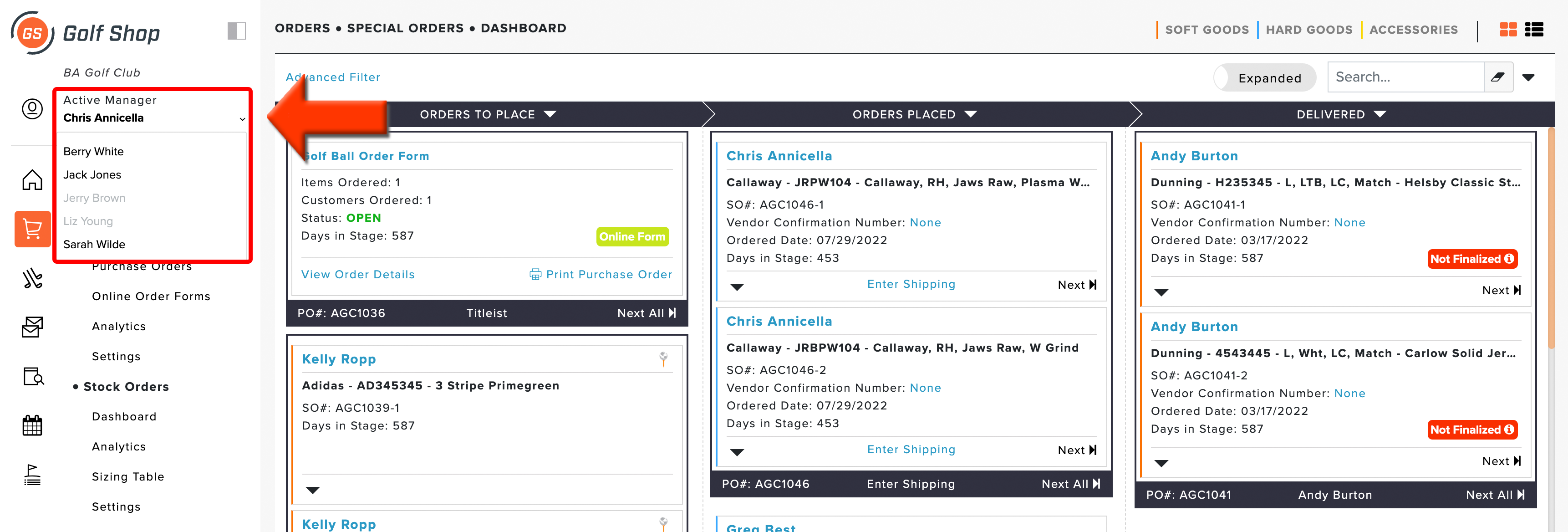
Q: I'd like to see the staff activity within a special order (who entered the order, who received it, etc). How can I do this?
A: To view the staff activity for special orders, edit the order then select the "Activity Log" tab (as shown below).
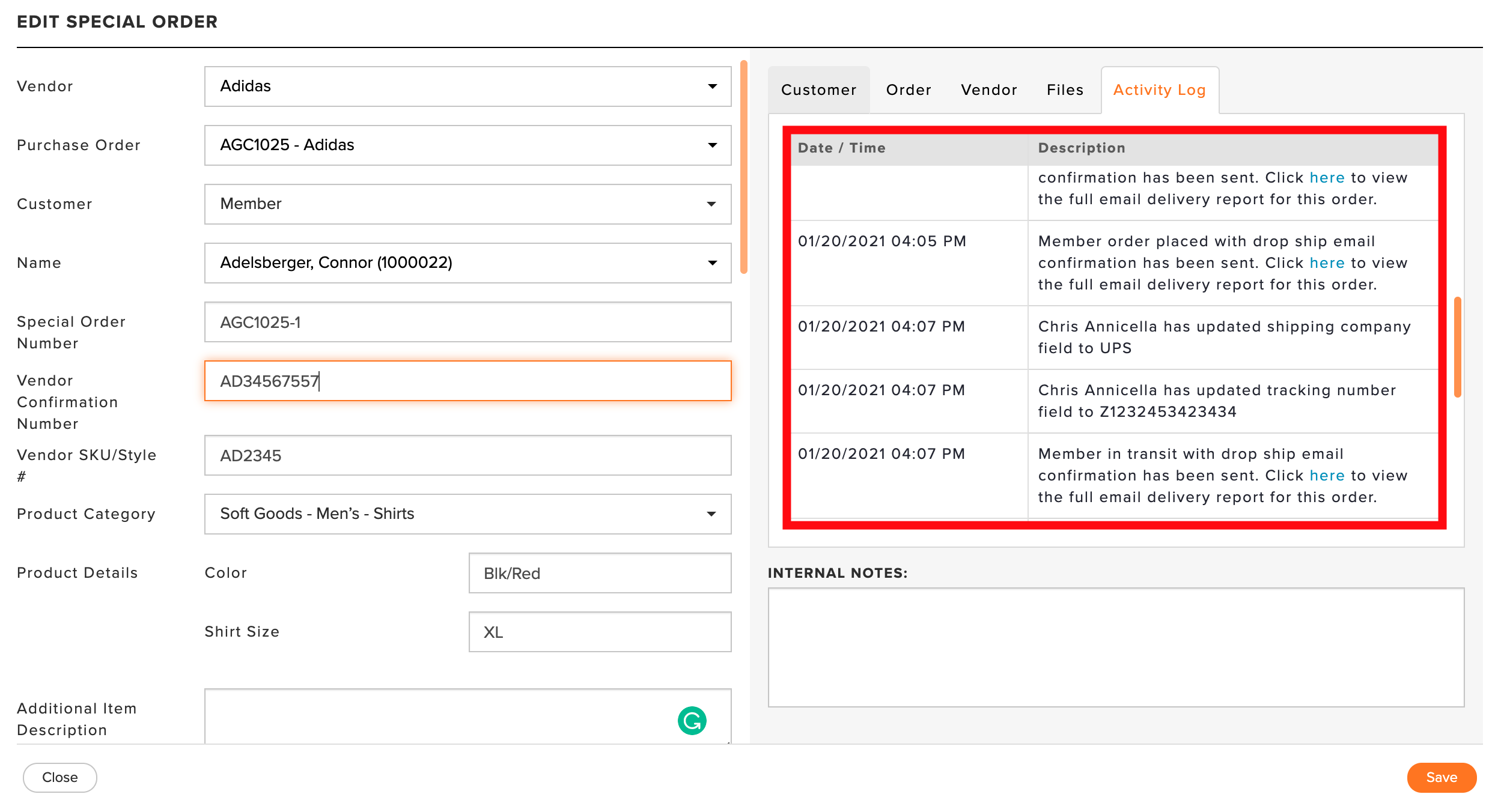
You can view what actions are taken, who took them, manual and automated email delivery details, and the time stamp. The following actions are tracked in the activity log:
Order status updates (i.e., created, placed, returned, finalized, deleted, restored, etc.)
Edits to the Order
What staff member was involved with the action (if any)
When automated emails are sent about the special order
When automated text messages are sent about the special order
The Activity Log uses the logged-in manager when determining who took the action. To quickly switch logged in users, you can change the Active Manager from the dashboard (as shown below).