
Q: I am running a mixed Four-Ball Stroke Play tournament where the men will play at 90% of their Course Handicap and the women will play from 95%. How can I set this up?
A: First, make sure a gender is selected for each player in your event or league. Go to Golfers > Event/League Roster. Click on the player(s) to select their gender (as shown below). If the players were pulled from your master roster, its likely the genders are already set.
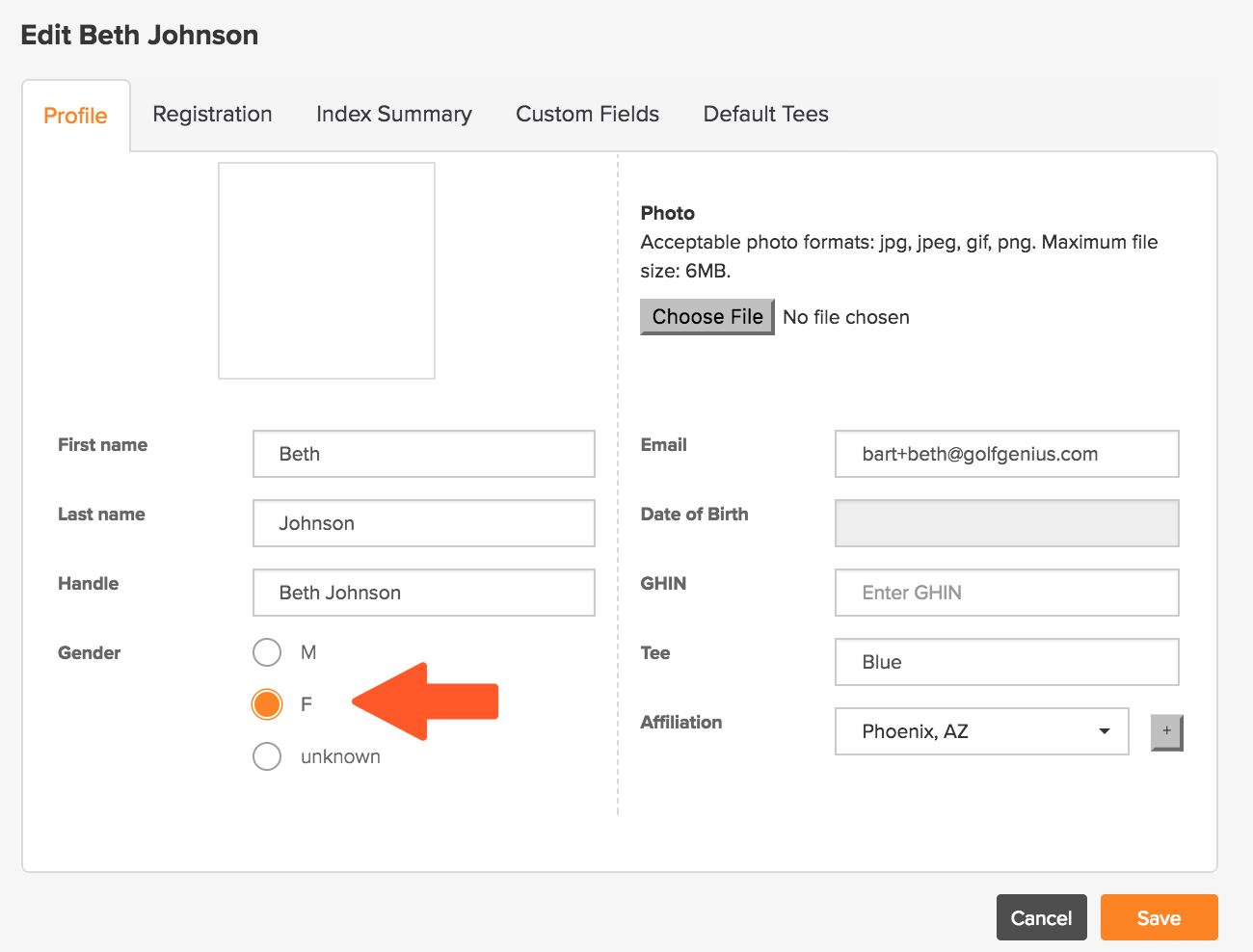
Then, go to your tournament setup, then the Advanced Handicap Options, and enter the desired Handicap Allowances for each gender (as shown below).

The settings will then be applied to that tournament.